
Starts from the situation, not the catalog
A gift, a budget, “for my son”, “something that won't stain”. It turns that into one or two concrete options and a single question, instead of sending the shopper to the search box.
AI shopping assistant
It starts from the shopper's situation, not from a search box: asks just enough, proposes products from your catalog with the why, takes them to the product page when they ask, and leaves the conversation in your inbox in case they want a person.
Try it with your store
See it in 30 seconds

Search only works when you already know what to type
Many purchases start from a situation: a gift, a budget, “for my mum”, “nothing complicated”. A search box understands none of that. The assistant does, and turns it into two options and one question. Like this:
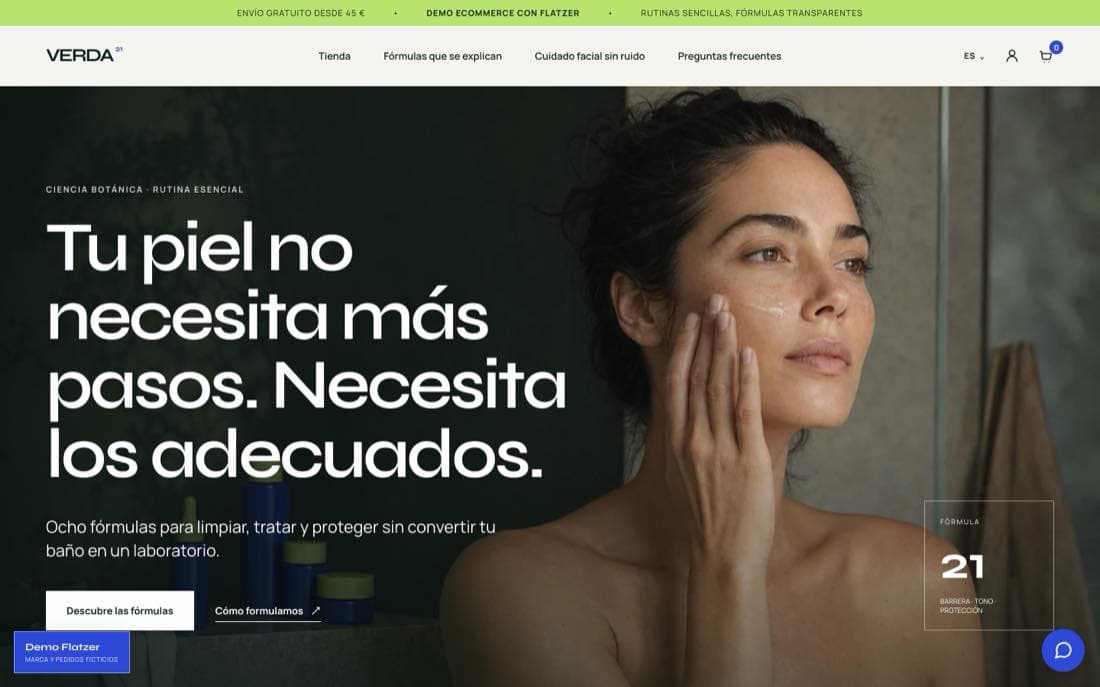
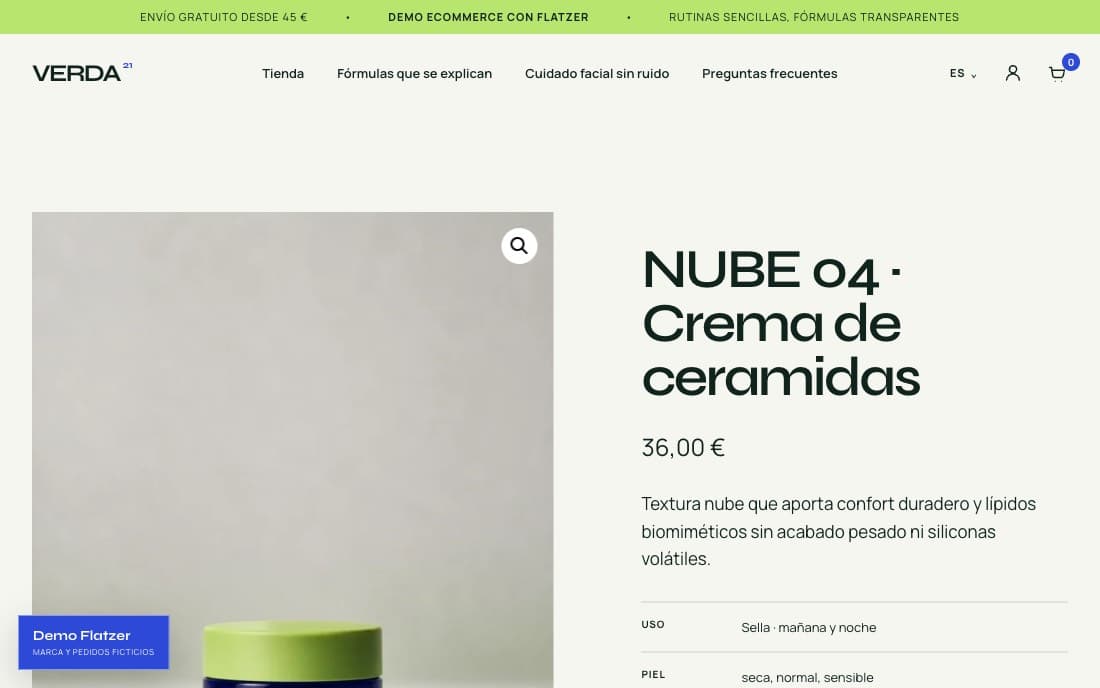
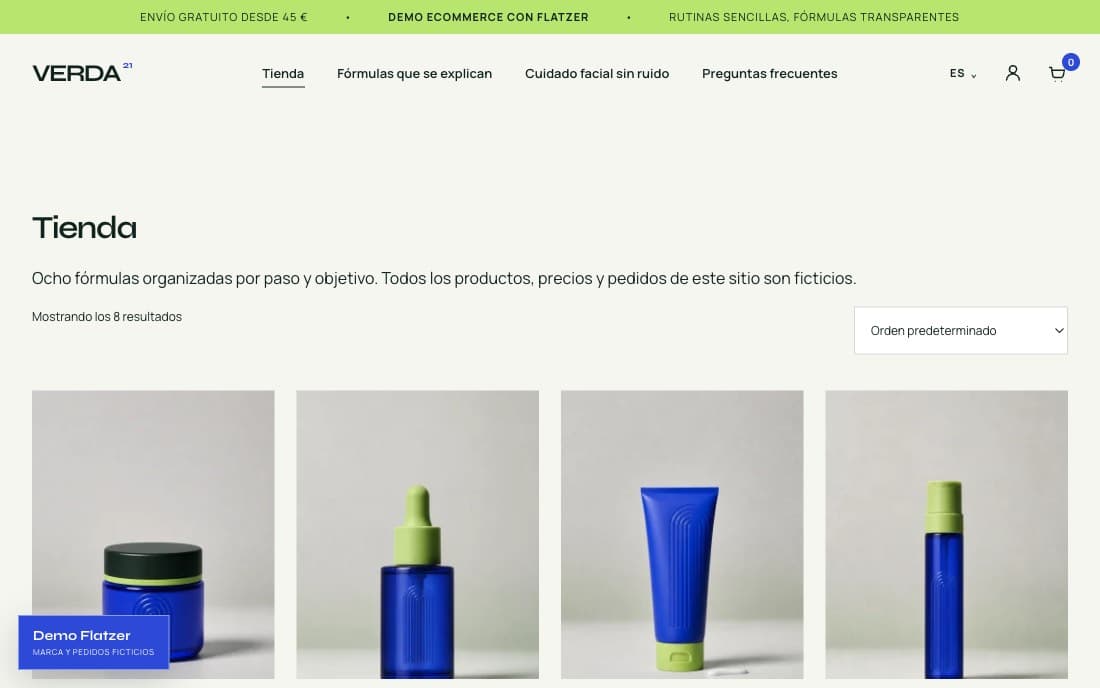
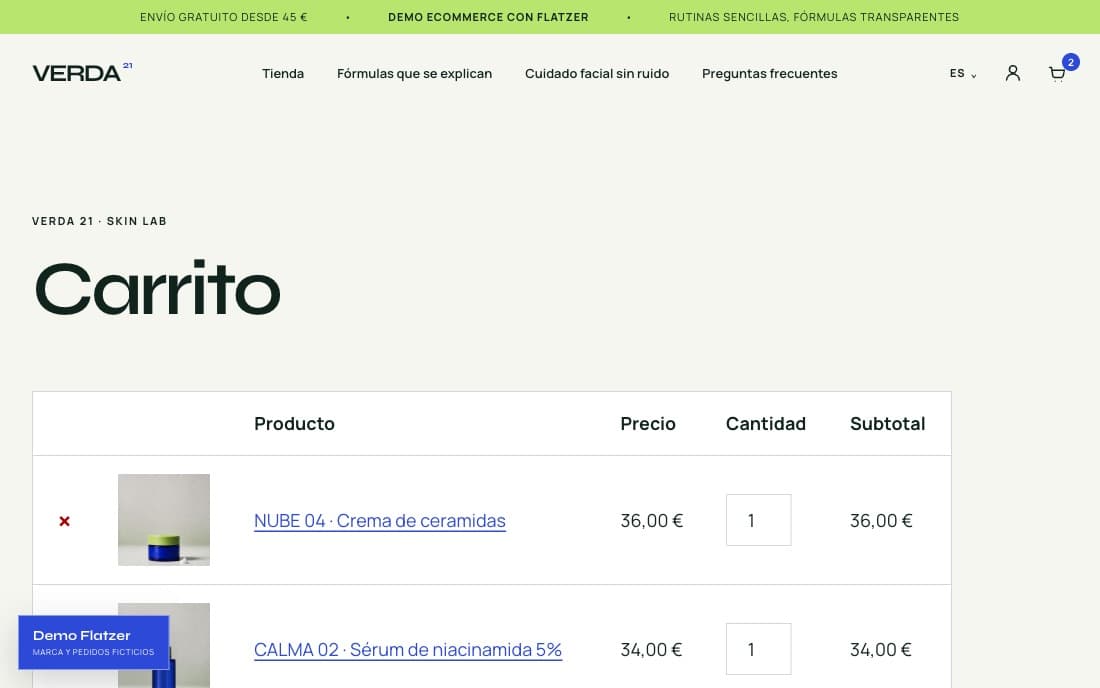
A conversation in VERDA 21, our demo store: the visitor arrives not knowing what they want and leaves on the product page, without repeating anything along the way.
Hi, I want to start a routine, but only if it's not complicated.
Three steps and done: cleanse, protect in the morning and one treatment. TRÍADA 21 brings all three for 82 €, or you pick them separately. Shall I walk you through it step by step?
Yes. And is the sunscreen fine for sensitive skin?
Yes: DUNA 05 is an SPF 50 fluid with an invisible finish, suitable for sensitive skin. Here's the set and the sunscreen on its own.
Take me to the set.
Taking you to TRÍADA 21.
When the visitor asks to go to a page, the assistant takes them there. When they ask something else, it follows the thread with what they've already said. And if they ask for a person, it says so at once and the conversation sits in your inbox with the full history.
You approve the pages it can lead to: product pages come straight from the catalog, and from the dashboard you add any others, such as a category or the contact page.
What changes
A gift, a budget, “for my son”, “something that won't stain”. It turns that into one or two concrete options and a single question, instead of sending the shopper to the search box.
One question per message and at most two before proposing anything. When it already knows enough, it stops asking.
“Take me to the set”, “open the cream”: the assistant opens that page of your store. Only the pages you approve, never the cart or the checkout.
It remembers everything said in the conversation. If the shopper comes back a few days later, it picks up where they left off: history is kept 30 days by default, and you set it anywhere from 1 to 90.
Four sources, all of them yours.
No surprises
Your existing site works as is. We don't ask for access or require any install for the demo.
Try it with your store
We read your store's public pages: products, categories, shipping, and FAQs.
Catalog
As soon as it's ready, you get an email with the link. You go in, ask it what a customer would, and decide.
See the agent in action with your store
https://your-store.com
The shopping path
Flatzer keeps one shopping context across questions, recommendations, website movement, and human help.
The shopper explains the need in their own words, even without knowing a product name.
The agent asks for the constraints that change the recommendation.
It selects specific catalog products and explains why they fit.
It opens an approved product or collection route and can perform configured page actions.
When the agent should stop, a person continues with the conversation context intact.
What changes isn't that it talks: it's what it knows, where it lives, and what it costs.
| Support chat | Loose ChatGPT | Flatzer | |
|---|---|---|---|
| Where it answers from | Your FAQ and macros | Whatever it knows from the internet | Your catalog, exactly as you loaded it |
| Recommends products | No: hands off to a person | Yes, but from any store | Yes, only from your catalog |
| Takes them to the page | No | No: the shopper is outside your site | Yes, through routes you approve |
| Hands off to your team | Yes, that's its job | No | Yes, with full context in the inbox |
| Price | Per resolved conversation or per seat | Free, but outside your store | Flat monthly fee, no sales commission |
A support chat still earns its keep on incidents, and ChatGPT on general questions. Flatzer covers the stretch between the question and the product page.
Detailed comparisons: Tidio · Intercom · Crisp · Chatbase · ChatGPT
Flat pricing
You pay a monthly fee and know the amount before you start. No commission on sales, no charge per conversation or seat, and no extra fee for the AI.
$52.95/mo
To start on one channel
$106.95/mo
For stores with steady traffic
$193.95/mo
For high volume and more channels
Product truth
We separate what the widget does today from the integrations that aren't there yet, so you know what you're testing.
Available now
Not promised
Try it with your website
Paste your site's URL and we'll prep a demo on your real catalog.